Mobile

The entire service call – right at your technicians’ fingertips.

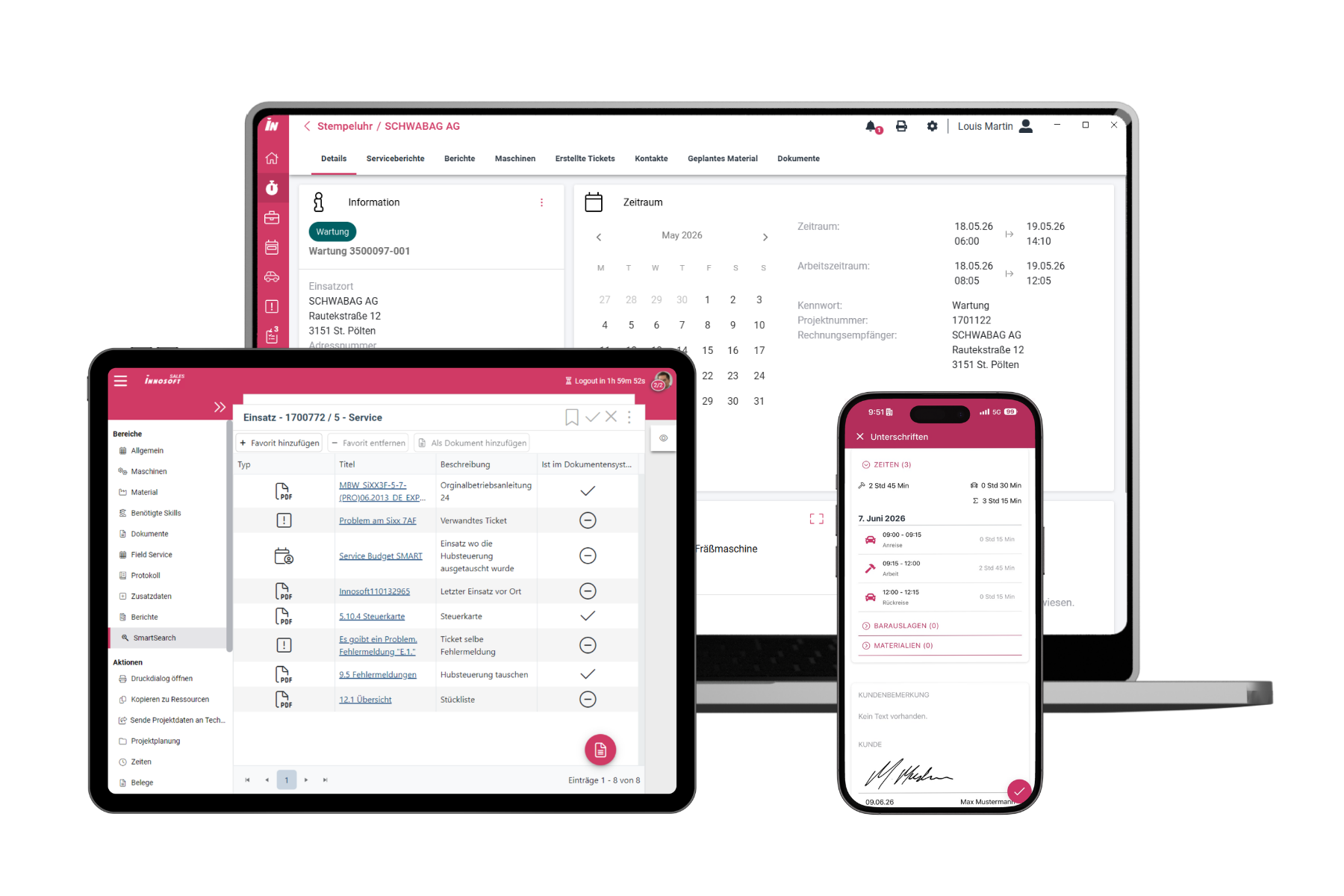
With Innosoft Mobile, your service technicians can access all key service call information while on the go – from order, customer, and machine data to documents, parts lists, checklists, and previous service reports. The necessary information remains available even without an active internet connection. The app can be used on smartphones, tablets, or laptops and supports your technicians in managing their service calls seamlessly from anywhere.
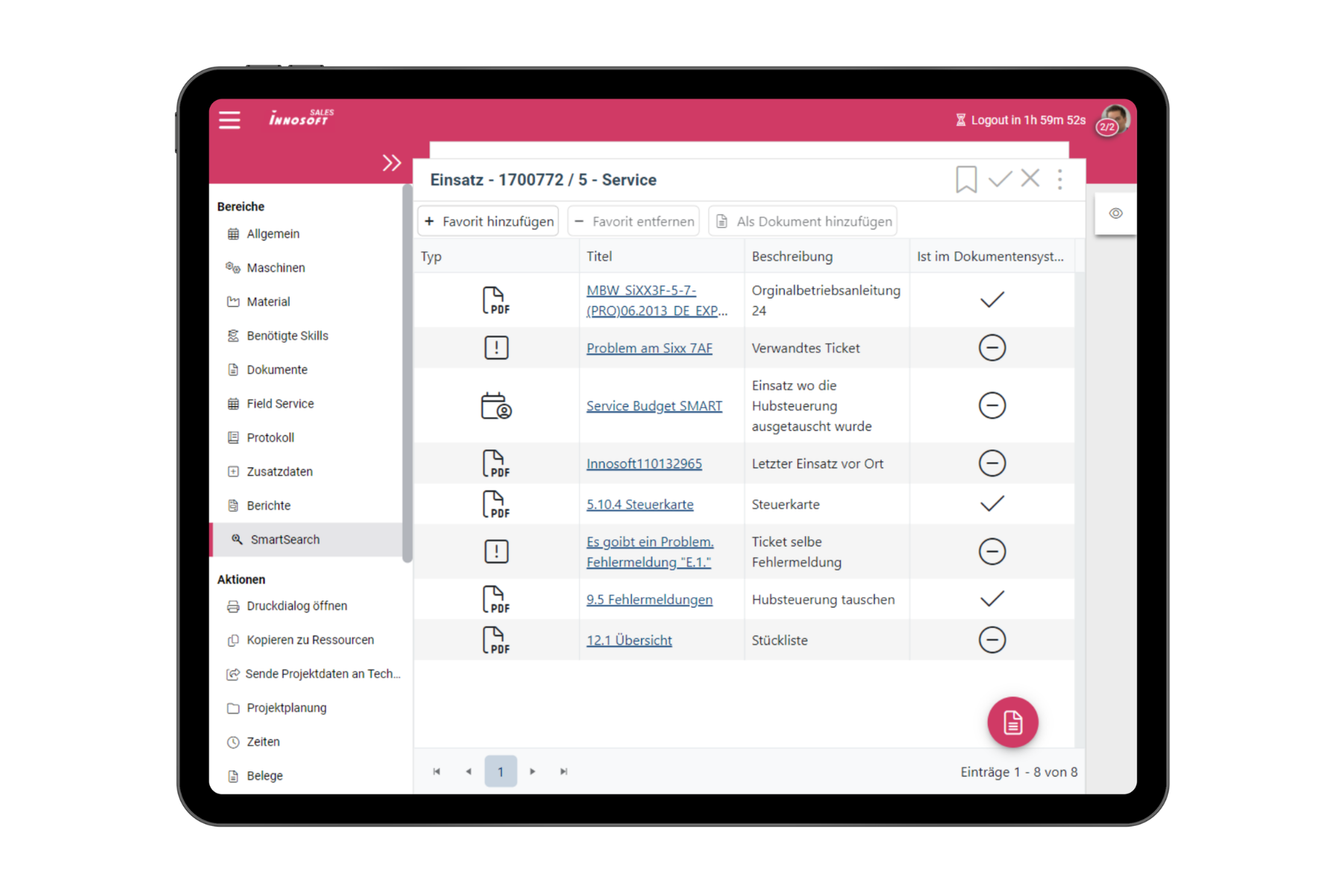
Can be used offline
Smartphone, Tablet, and Laptop
Digital Signature
Seamless integration

Digital Customer and Machine Records

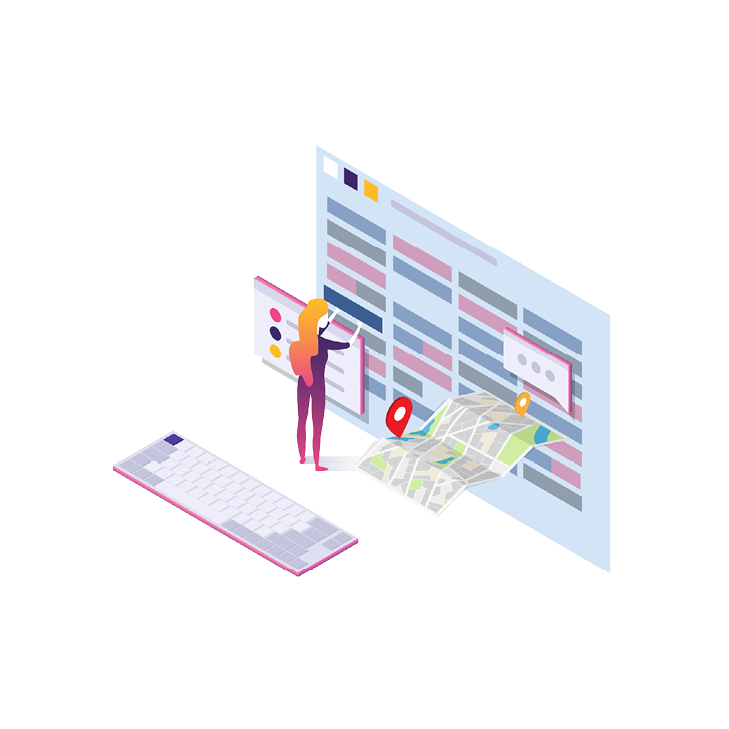
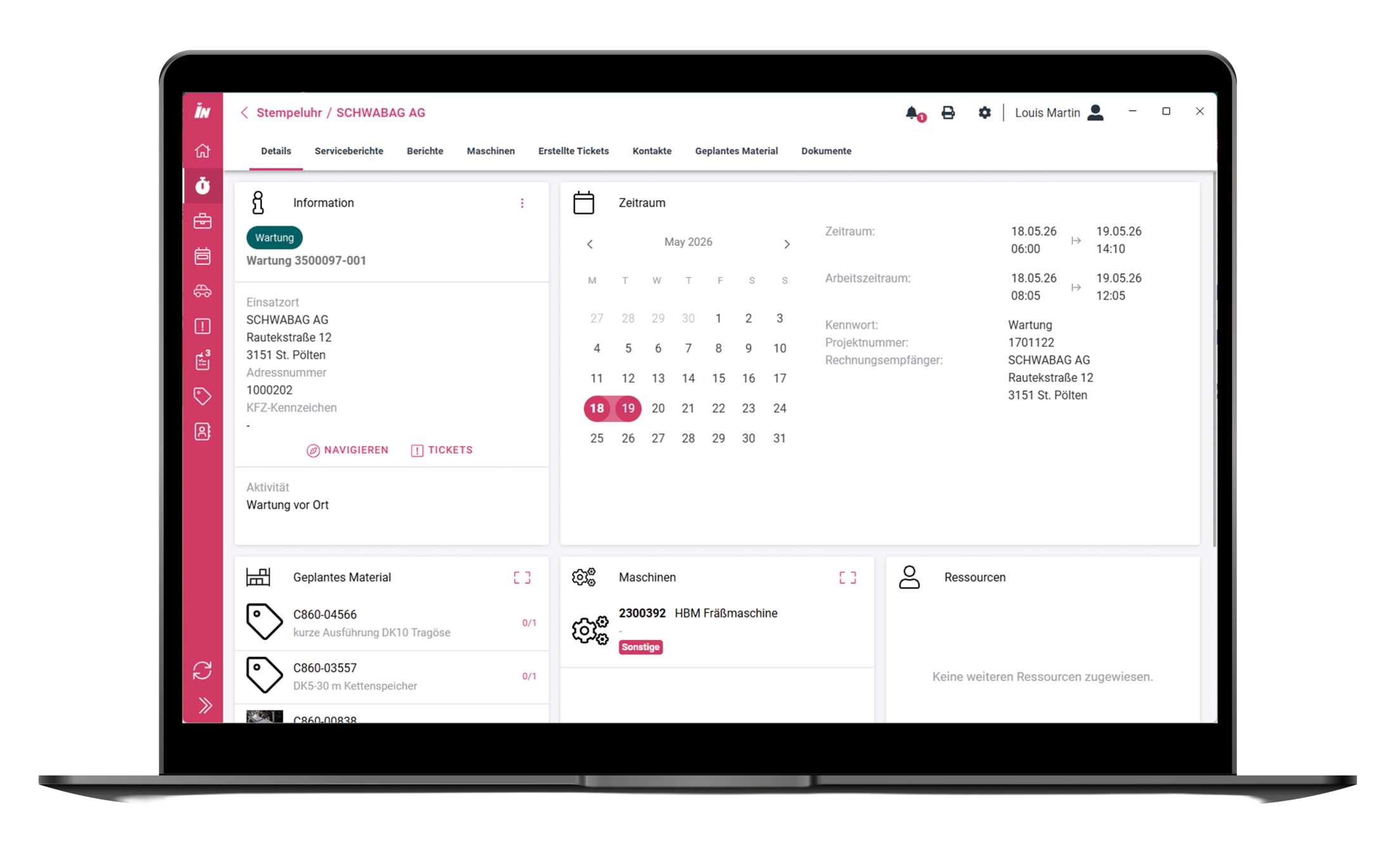
All scheduled technician tasks are displayed concisely and clearly in a calendar within our Mobile Field Service App, where users can view the relevant details for each assignment. You can conveniently call the customer’s contact person directly from the app, and the location address is sent to the navigation app as a destination with just one click. Whether it’s schematics, safety-related documents, or reports from previous service calls – the document workflow can be customized and ensures that your technician leaves a lasting positive impression on-site by being fully informed.

Convenient Collection of Performance Data

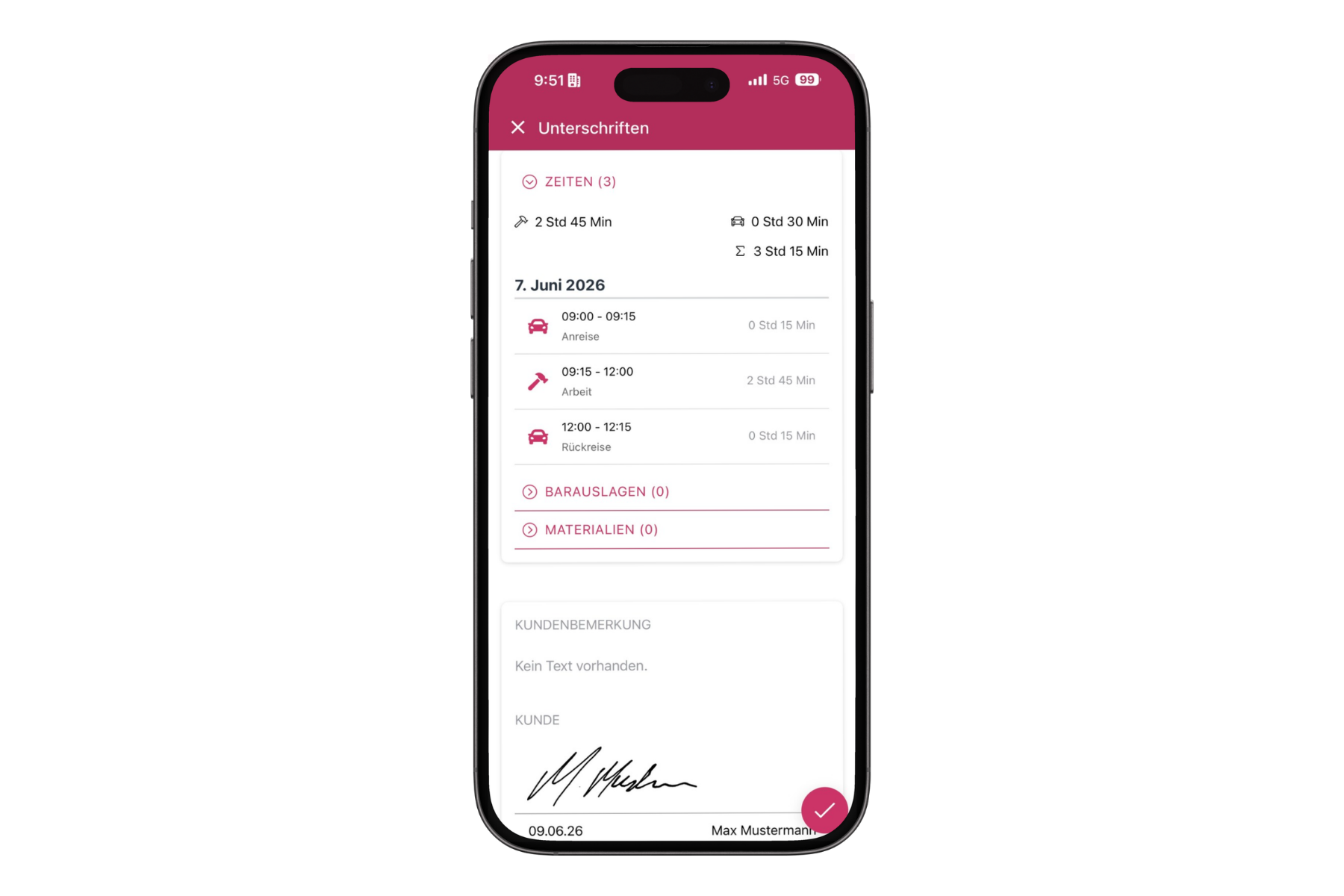
Travel, waiting, and work times are recorded in real time using a digital time clock. For start and end points – such as departure and arrival – all it takes is a single click. In addition to out-of-pocket expenses and travel expenses, used replacement parts are also reported, and the materials can be conveniently recorded by scanning a QR code. The data entry forms can be easily customized, allowing users to capture, edit, and report information that falls outside the standard Innosoft process.

Image storage, barcode scanner, signature function

Using the smartphone’s camera function, photos can be assigned directly to a service call. Whether it’s receipts for cash expenses, a hotel bill, or photographic documentation of the equipment at the service location – Innosoft Mobile has truly embraced the concept of paperless service. And sometimes, even a pants pocket is enough to carry it all. Documents such as work orders created on-site and other service reports can be digitally signed and automatically sent to the customer immediately afterward. In addition, the dynamic reporting system allows for the creation of custom checklists to record structured job data.

Digital Customer and Machine Records

All scheduled technician tasks are displayed concisely and clearly in a calendar within our Mobile Field Service App, where users can view the relevant details for each assignment. You can conveniently call the customer’s contact person directly from the app, and the location address is sent to the navigation app as a destination with just one click. Whether it’s schematics, safety-related documents, or reports from previous service calls – the document workflow can be customized and ensures that your technician leaves a lasting positive impression on-site by being fully informed.

Convenient Collection of Performance Data

Travel, waiting, and work times are recorded in real time using a digital time clock. For start and end points – such as departure and arrival – all it takes is a single click. In addition to out-of-pocket expenses and travel expenses, used replacement parts are also reported, and the materials can be conveniently recorded by scanning a QR code. The data entry forms can be easily customized, allowing users to capture, edit, and report information that falls outside the standard Innosoft process.

Image storage, barcode scanner, signature function

Using the smartphone’s camera function, photos can be assigned directly to a service call. Whether it’s receipts for cash expenses, a hotel bill, or photographic documentation of the equipment at the service location – Innosoft Mobile has truly embraced the concept of paperless service. And sometimes, even a pants pocket is enough to carry it all. Documents such as work orders created on-site and other service reports can be digitally signed and automatically sent to the customer immediately afterward. In addition, the dynamic reporting system allows for the creation of custom checklists to record structured job data.

Our technicians use the Innosoft Mobile app – it gives them everything in one application: time tracking, logs, travel expenses, and expense reports. Excel and Word are a thing of the past.”

Tim Herding, Head of Technical Services at Herding Filtertechnik GmbH

A Clear Mobile Workflow
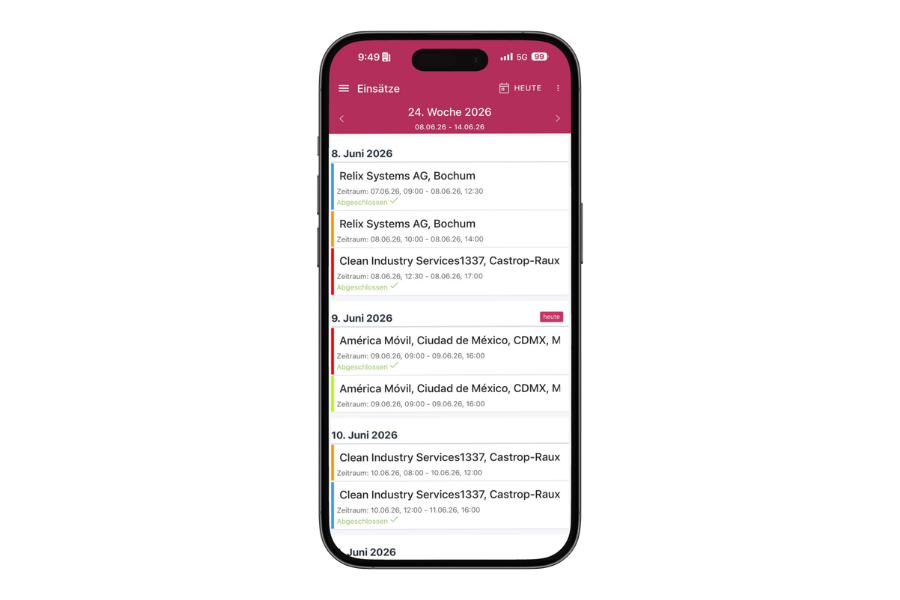
1. Open a work order

All scheduled tasks are clearly displayed in the calendar. The technician can see the job site, the contact person, and the necessary work order information.
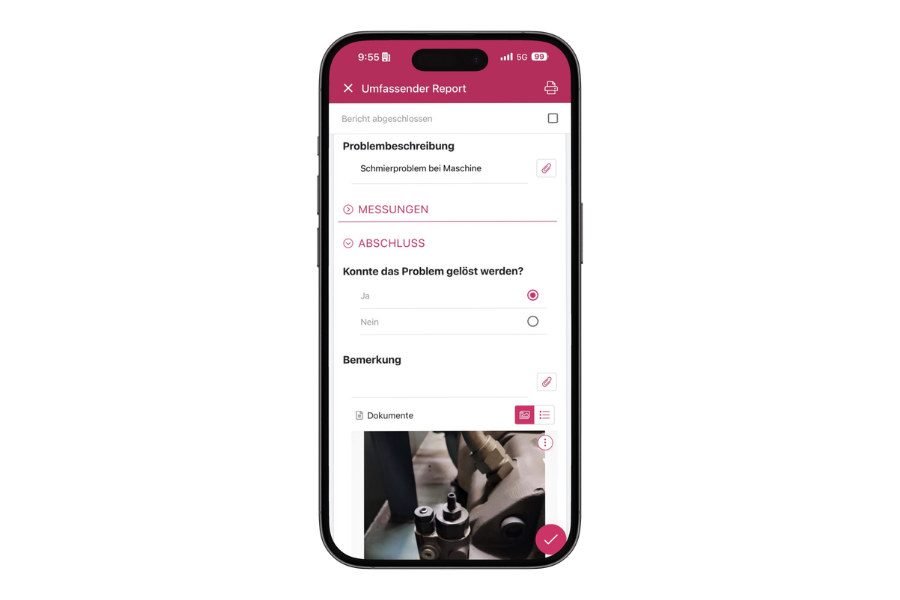
2. Perform the work

Machine data, documents, previous reports, and configurable checklists help technicians carry out their assignments.
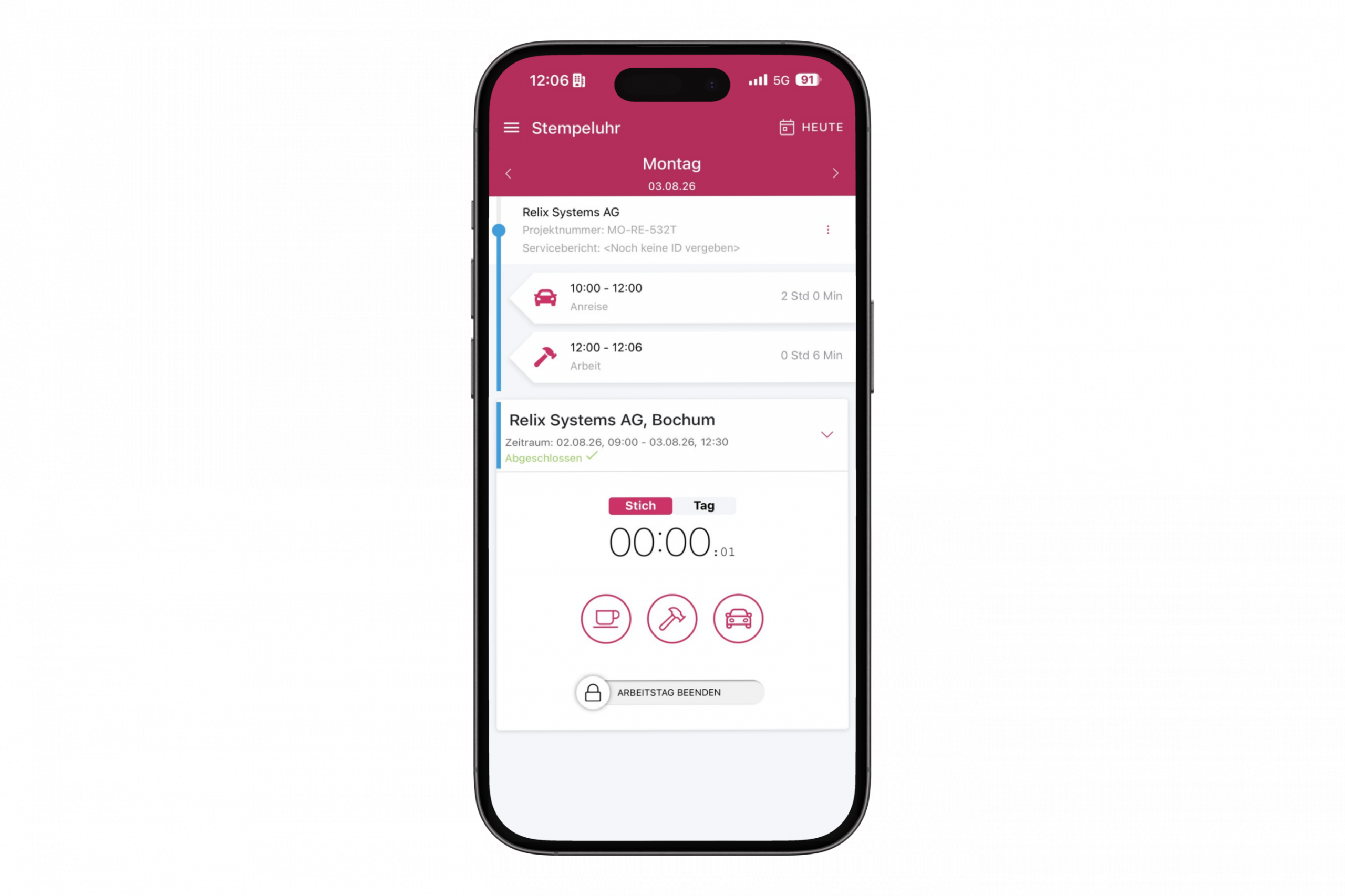
3. Track Time and Materials

Work hours, job hours, expenses, and materials used are recorded directly on mobile devices.
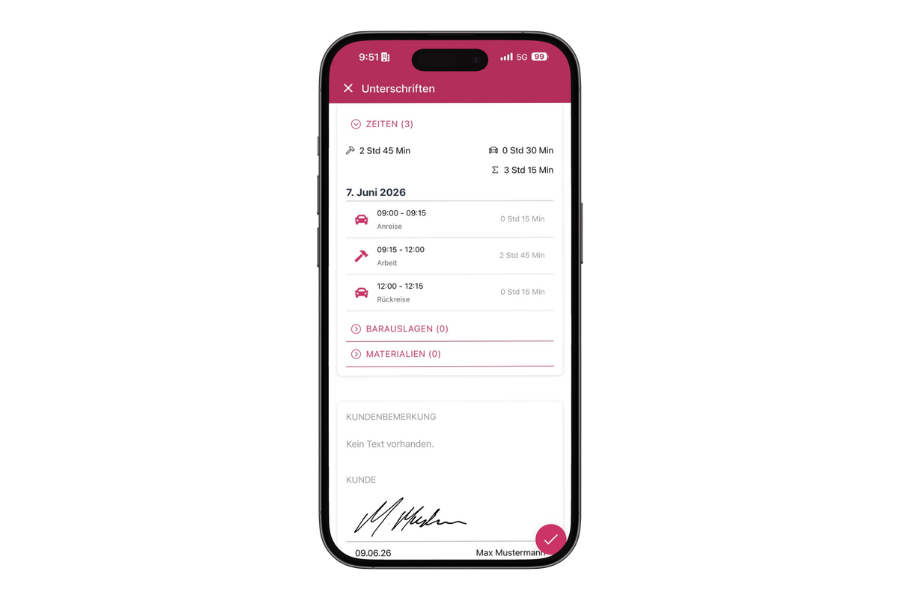
4. Complete the service report

The service report is completed on-site, digitally signed, and can then be sent to the customer.

In the past, laptops were always a big deal – booting them up, setting them down somewhere, dirty keyboards, or even the occasional dropped device. With the mobile app, that’s become much easier today.”

Alexander Ferber, Head of After-Sales at Wilhelm Böllhoff GmbH & Co. KG

Impressed by the Innosoft Mobile App?

Would you like to see exactly how the Innosoft Mobile supports your day-to-day service operations? We’ll show you how it simplifies workflows, makes information available on the go, and cuts out unnecessary steps. That leaves you with more time for what really matters: providing fast, professional service to your customers. See the app in action and see for yourself – request your personalized demo now!
Frequently Asked Questions About Innosoft Mobile

Yes. Technicians can access the necessary field information even without an active Internet connection and complete their tasks on the go. The data they collect can be reported back to the central system later.

Innosoft Mobile can be used on smartphones, tablets, and laptops. This allows users to choose the device that best suits their specific work environment.

Depending on the system, users can access order information, customer and machine data, documents, bills of materials, checklists, and previous service reports, among other things.

Yes. Photos can be taken using the smartphone’s camera and assigned directly to the relevant task. This is useful, for example, for receipts or for documenting a facility.

Yes. Service reports and performance records can be digitally signed on-site and then sent to the customer.

Yes. Among other things, technicians can use mobile devices to record work hours, assignment times, expenses, and materials used.

+49 231 427 885 – 0
Martin-Schmeißer-Weg 15 44227 Dortmund

Contact us!

    Business Information
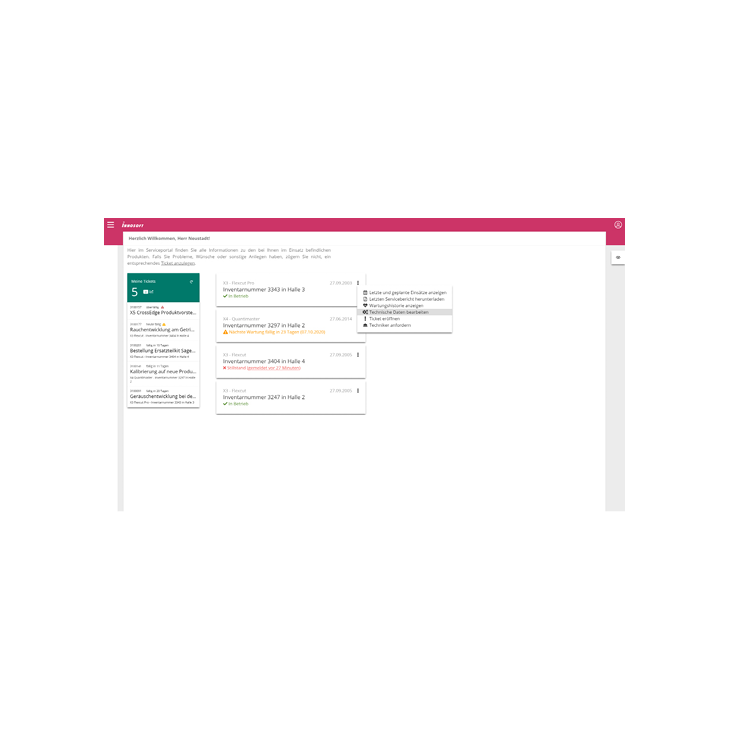
    Tickets