
Innosoft attaches great importance to the security of your data. With the cloud version, decentralised backup is part of the standard concept for backing up your database. Your data remains within the EU – the server is located in Amsterdam, the Netherlands. With the on-premises version, your company is responsible for backing up the database.
Field Service Management – in the Cloud or On-Premise
You make the decisions; Innosoft adapts to your IT strategy – for maximum freedom, security and scalability.
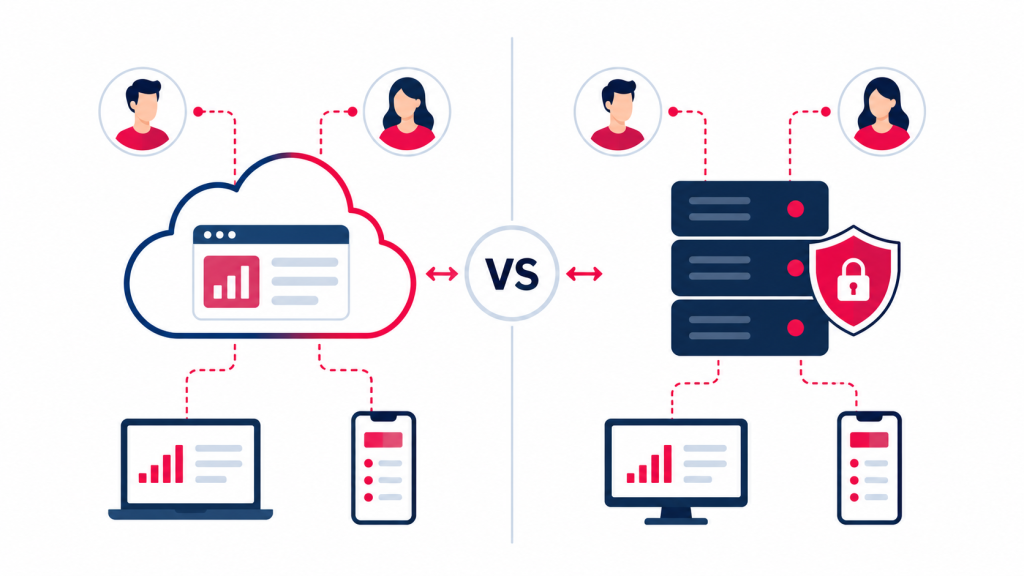
Cloud vs. On-Premise
Criterion
Cloud
On-Premise
Deployment
Initial installation by Innosoft and hosting in a data center
Initial installation by Innosoft in your IT environment
IT Infrastructure
Servers provided by the cloud provider and system administration by Innosoft
Servers and system administration managed by your company
Data Backup
Data backup using systems provided by the cloud provider and configured by Innosoft
Database backup managed by your company
Access Security
Access security through the cloud provider's security systems and permissions in Innosoft
Access security and permissions managed by your company
Maintenance & Updates
Ongoing development and installation of updates by Innosoft
Ongoing development and installation of updates by your company
or by Innosoft for an additional fee
Support
Troubleshooting and support by Innosoft
Troubleshooting and support by your company or by Innosoft
for an additional fee
Training
Key user training by Innosoft; additional users are trained by your company
Key user training by Innosoft; additional users are trained by your company
Cloud
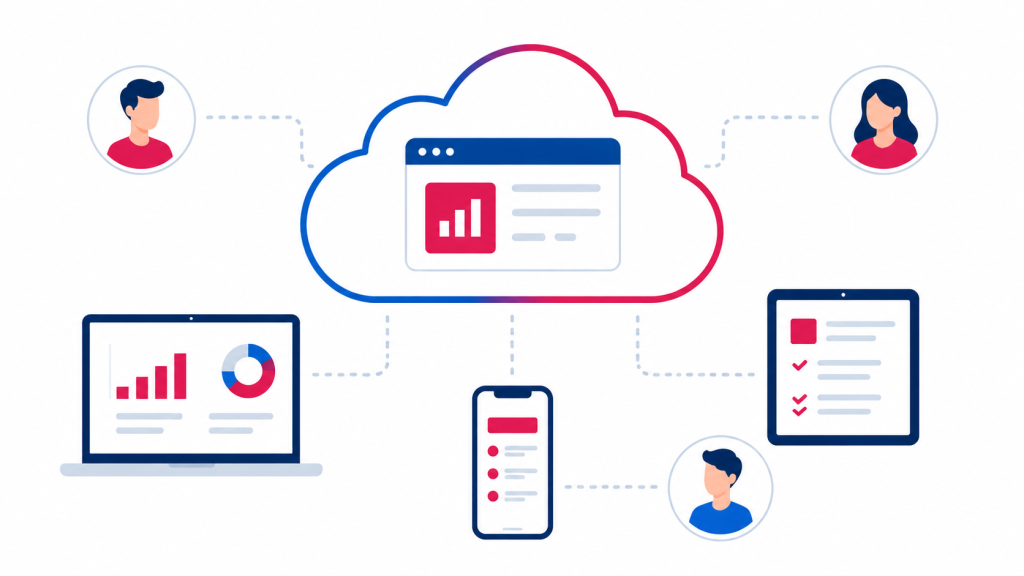
With Innosoft FSM from the Microsoft Azure Cloud, you can use your field service management system flexibly without the need for your own server infrastructure. The application is securely accessible via a web browser and can also be deployed across multiple locations. Innosoft attaches great importance to the security of your data and therefore offers decentralised backup as the standard approach for safeguarding your database. Your data remains within the EU – the server is located in Amsterdam, the Netherlands.
On-Premise
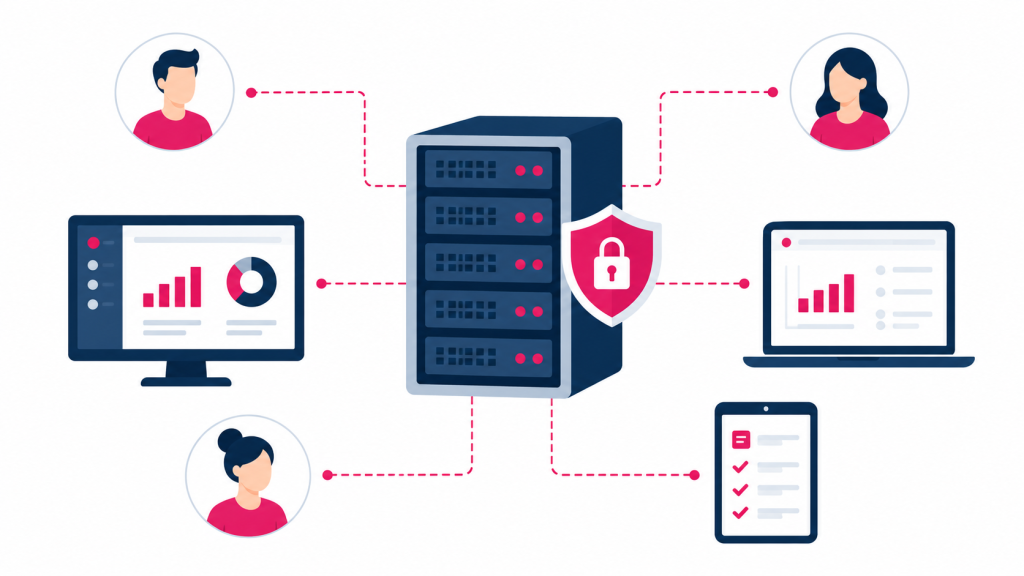
With the on-premises version, you run Innosoft directly within your own IT environment. You retain control over the infrastructure, data and internal access policies. Innosoft handles the initial installation and, if required, also assists you with updates, further development and support.
That’s a huge difference – we now have almost real-time data, without a VPN, accessible from anywhere. That used to be unthinkable”
Tim Herding, Head of Technical Services at Herding Filtertechnik
Frequently asked questions about the cloud and on-premises solutions
With the cloud version, Innosoft is hosted in an external cloud environment. Innosoft handles key tasks relating to infrastructure, maintenance and data backup. With the on-premises version, the software runs in your own IT environment and is managed more closely by your organisation.
The cloud version of Innosoft is hosted on the Microsoft Azure cloud. It can be accessed via a secure internet connection using a web browser. No dedicated server infrastructure is required to run the application.
You will need a up-to-date web browser and a stable, fast internet connection. Authorised users can access the application via internet-enabled devices such as a PC, tablet or smartphone.
With the cloud version, Innosoft handles further development, the installation of updates, fault resolution and support. With the on-premises version, these tasks can be carried out by your company or by Innosoft for a fee.
Yes, Innosoft supports integration into existing ERP and IT environments. The specific integration will be tailored to suit your existing systems and processes.
The cloud-based version can be easily scaled to accommodate additional branches and international service organisations. Authorised staff can access the information they need, regardless of their location.
The cloud is particularly suitable if you wish to reduce the internal workload associated with infrastructure and administration. An on-premises solution makes sense if you wish to run the application within your own IT environment and manage key operational tasks yourself. Which option is more suitable depends on your IT strategy, your internal resources and your security requirements.