
FROM CLASSIC TO FSM

Why the transfer is beneficial for you

Easy transition. Clear advantages.

Future-proof service environment.

Many of our customers still work with Innosoft Classic today—a solution that has provided reliable support for many years. At the same time, service challenges are increasing: How can I meaningfully integrate new technologies, such as AI, into my service? How can I make my service even more profitable and better? How do I deal with the generational change among my technicians? How do I deal with increased customer expectations in service?

Innosoft FSM was developed precisely for this purpose: a modern, web-based platform that maps service processes holistically, intuitively, and efficiently. The transition is much easier than many expect – and offers noticeable advantages in everyday use.
Why switch at all? — The most important reasons


  1. Modern, web-based technology instead of local clients: FSM runs entirely in a browser or on mobile devices—no local installations, no complicated updates. This reduces IT costs and ensures that everyone is working with the same up-to-date version.
  2. Consistent digital processes: From tickets to resource planning to service reports, everything happens in one system.
    FSM avoids media breaks, speeds up workflows, and makes processes more transparent.
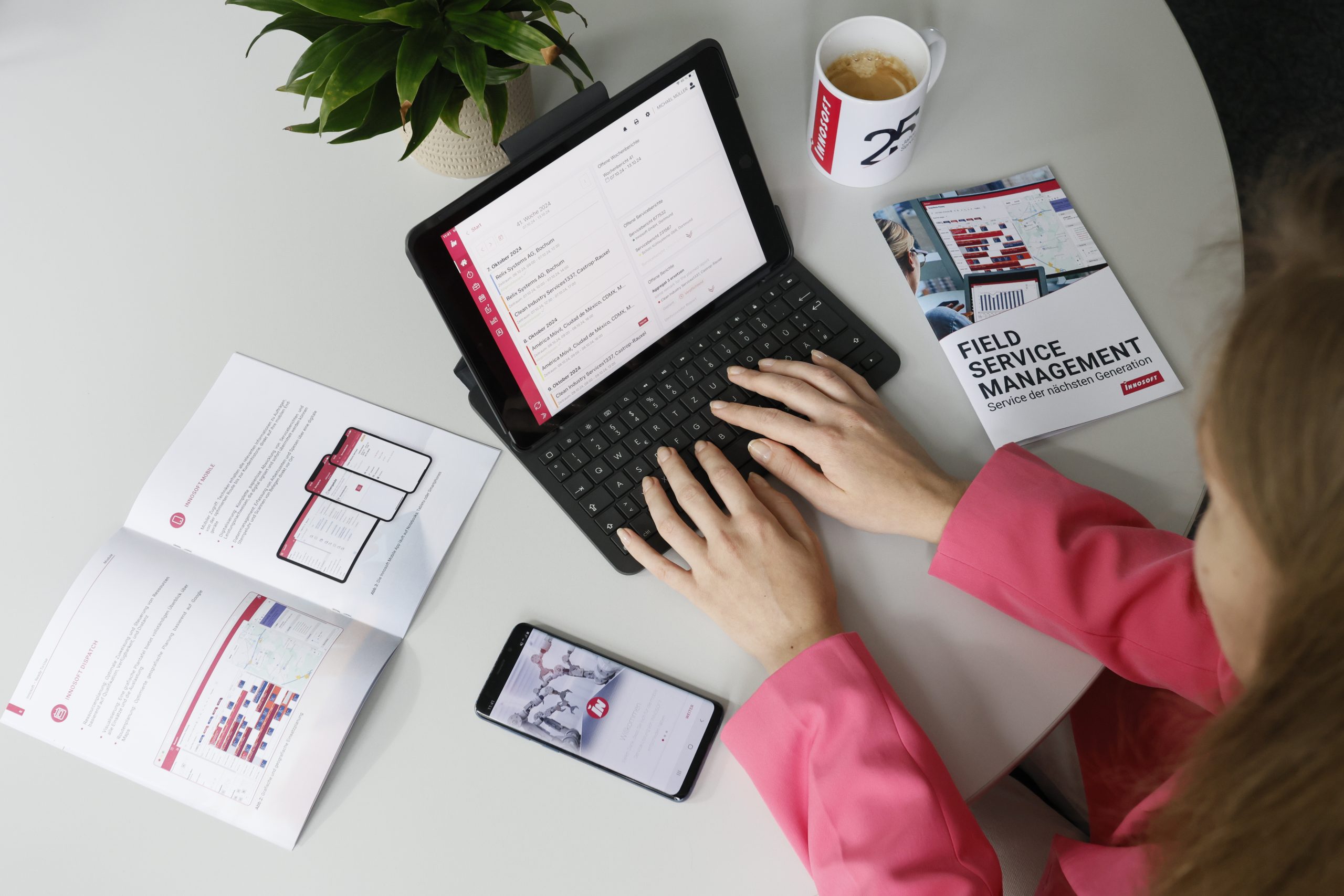
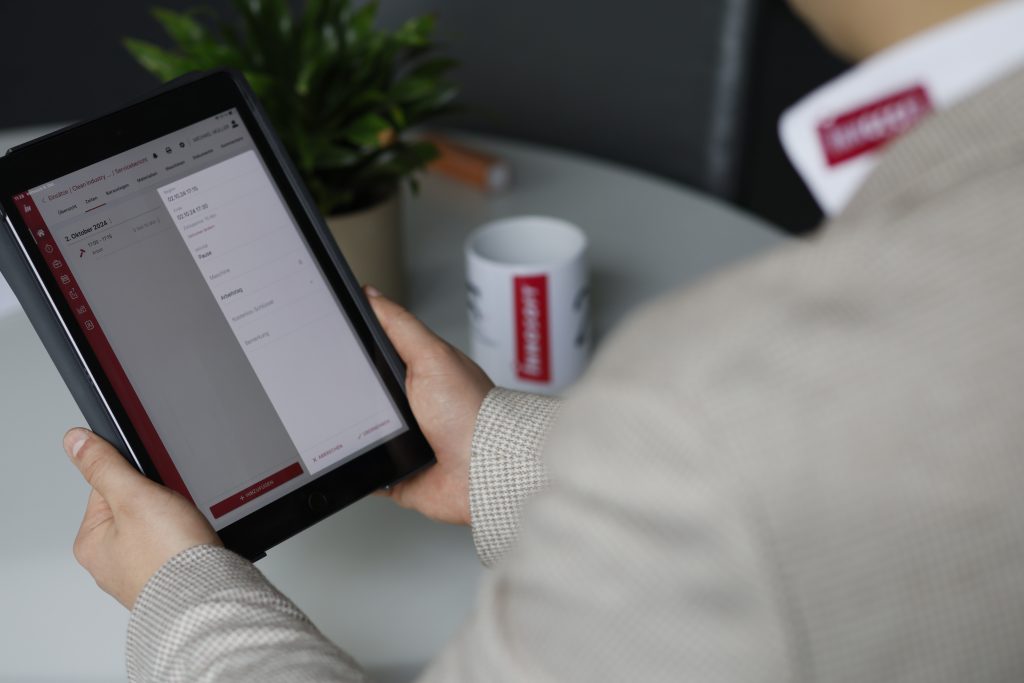
  3. Mobile app for field service: Technicians work with a modern app—online or offline—including digital reports, photos, checklists, and automatic synchronization. This saves time and improves documentation.
  4. Better overview and controllability (dashboards/KPIs): FSM provides real-time evaluations of tickets, assignments, utilization, and response times. This allows for more informed decisions and faster identification of problems.
  5. Future-proof and flexibly expandable: FSM is continuously being developed—including AI-supported functions, new integrations, and modern security mechanisms such as SSO.
    This allows the system to grow with your requirements.

Higher Efficiency

FSM reduces duplicate data entry, speeds up planning, and shortens turnaround times—both for technicians and office staff.

Faster invoicing

Digital reports and automatic transfers to the ERP system enable significantly faster billing—often on the same day.

Reducing the burden on IT

No client installations, less support effort, clearly structured updates. This is a major advantage, especially for companies with small IT teams.

Better customer service

With a customer portal, SLA monitoring, and transparent communication, service quality and customer loyalty increase significantly.

What does the process look like?

The transfer is not a complex restart, but rather a straightforward, clearly structured transition to the modern FSM solution. Your existing data and processes will remain intact—we will guide you safely and efficiently through the transition.

Workshop: Analysis of your Classic installation and customizations.

Project start: Goal definition, system check, data verification.

Configuration & migration: Data transfer, process mapping, interfaces.

Training & trial operation: Key users and technicians familiarize themselves with the new system.

Go-live: productive start with support.

Stabilization & further development: Fine-tuning as needed.

0
Less processing time
0
Years of experience
0
Customizable
0
Goal: Greater efficiency and satisfaction
0
Less processing time
0
Years of experience
0
Customizable
0
Goal: Greater efficiency and satisfaction
0
Less processing time
0
Years of experience
0
Customizable
0
Goal: Greater efficiency and satisfaction

FAQ: Transfer from Classic to FSM

The switch makes particular sense for companies that actively use Classic and want to simplify, digitize, or further automate their service processes. FSM is suitable for both smaller teams and organizations with many technicians, and grows flexibly with them.

The transition is a clearly structured, well-supported process. It includes analysis, configuration, data transfer, training, and go-live. Many Classic customizations can be replaced by standard FSM functions, which reduces effort. The typical project duration is 6–12 weeks, depending on scope and complexity.

Yes. Relevant data such as customers, devices, orders, or histories can be transferred to the new platform. In the process, legacy data is checked, cleaned up, and transferred in a clearly structured manner to improve data quality in the new system.

Yes, but the training required is minimal: FSM’s mobile app is intuitive, can be used offline, and has been specially developed for everyday field service use. Technicians quickly find their way around, as working hours, checklists, photos, reports, and signatures are recorded digitally and in a clearly structured manner.

Classic was good. FSM is better.

FSM is more than just an update—it’s the next step toward a service that optimizes itself.
Benefit from digital workflows, clear structures, and satisfied employees. Are you ready to transfer?